How do I use my Android phone as a webcam on Windows?
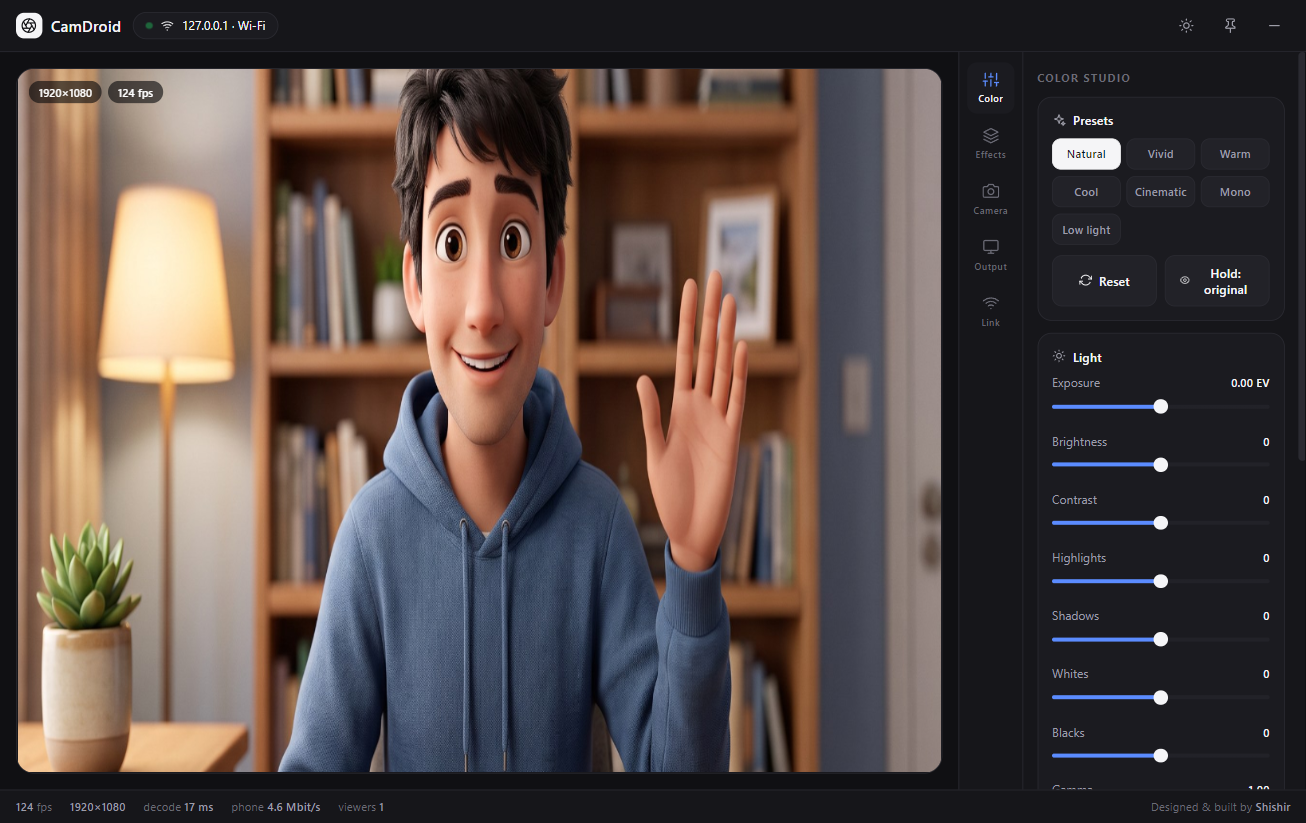
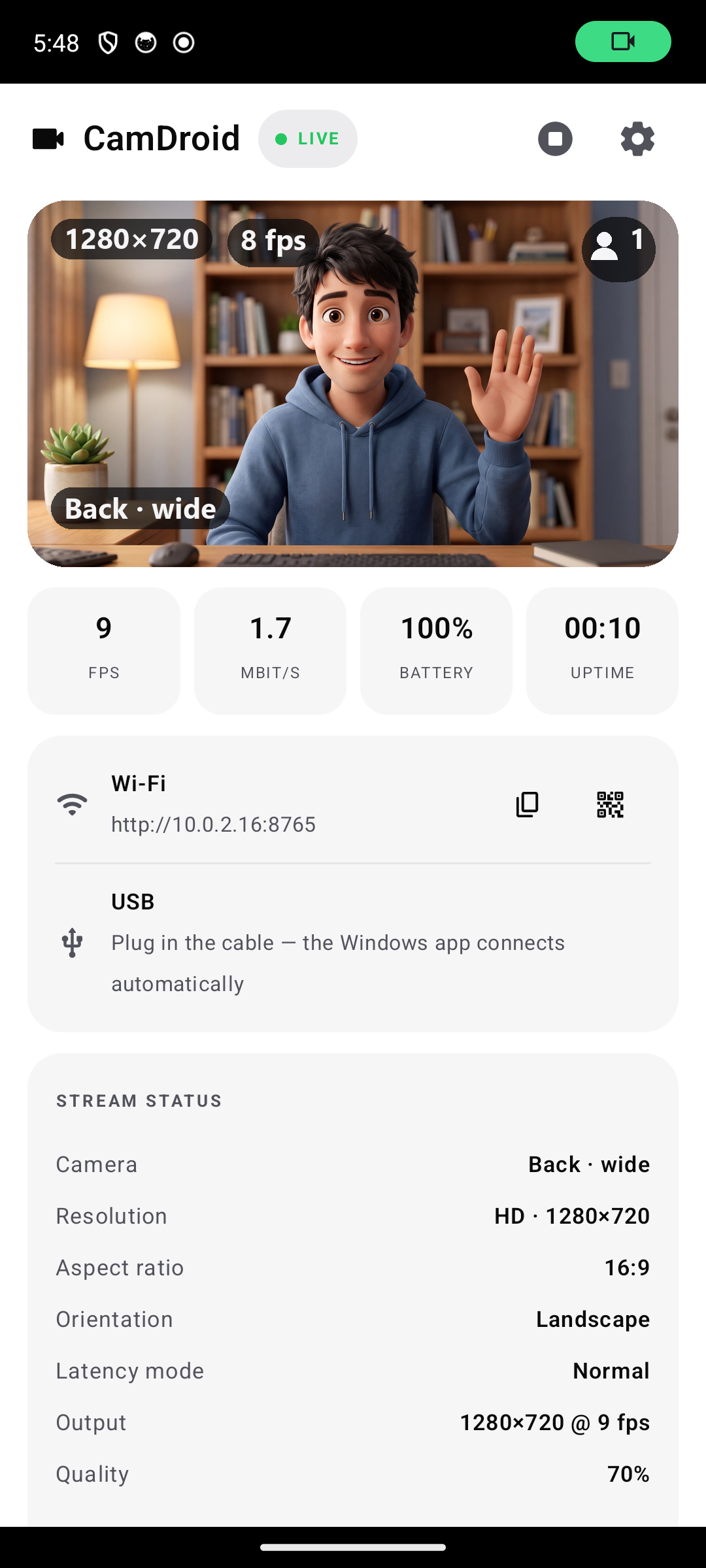
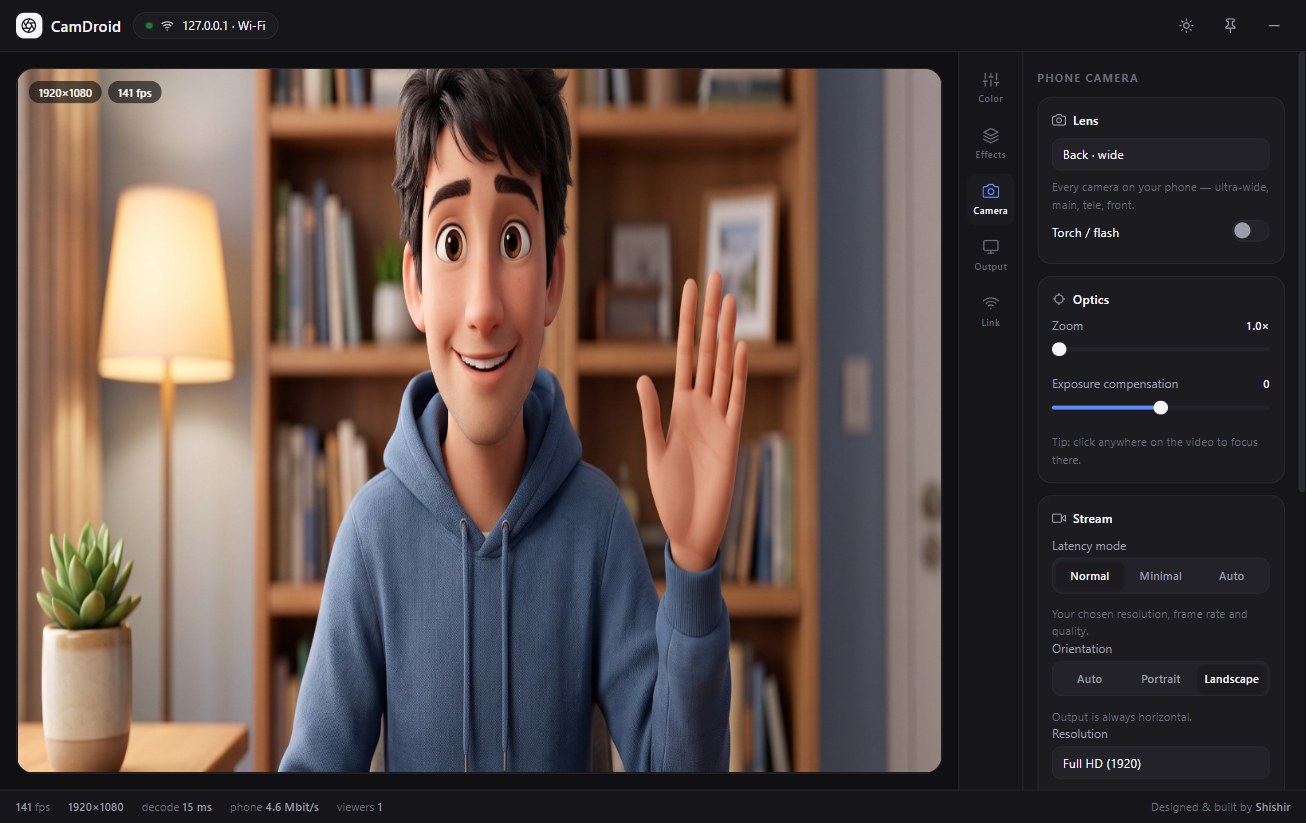
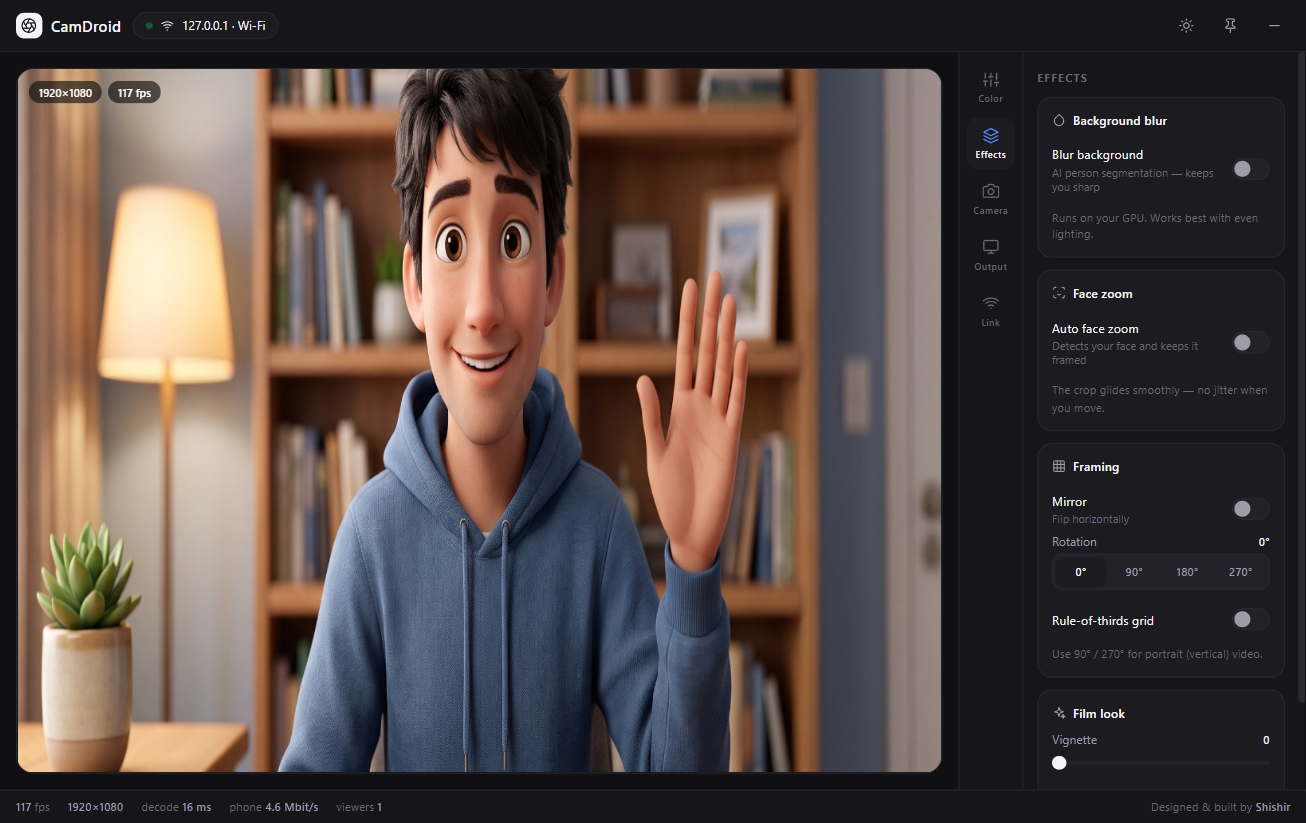
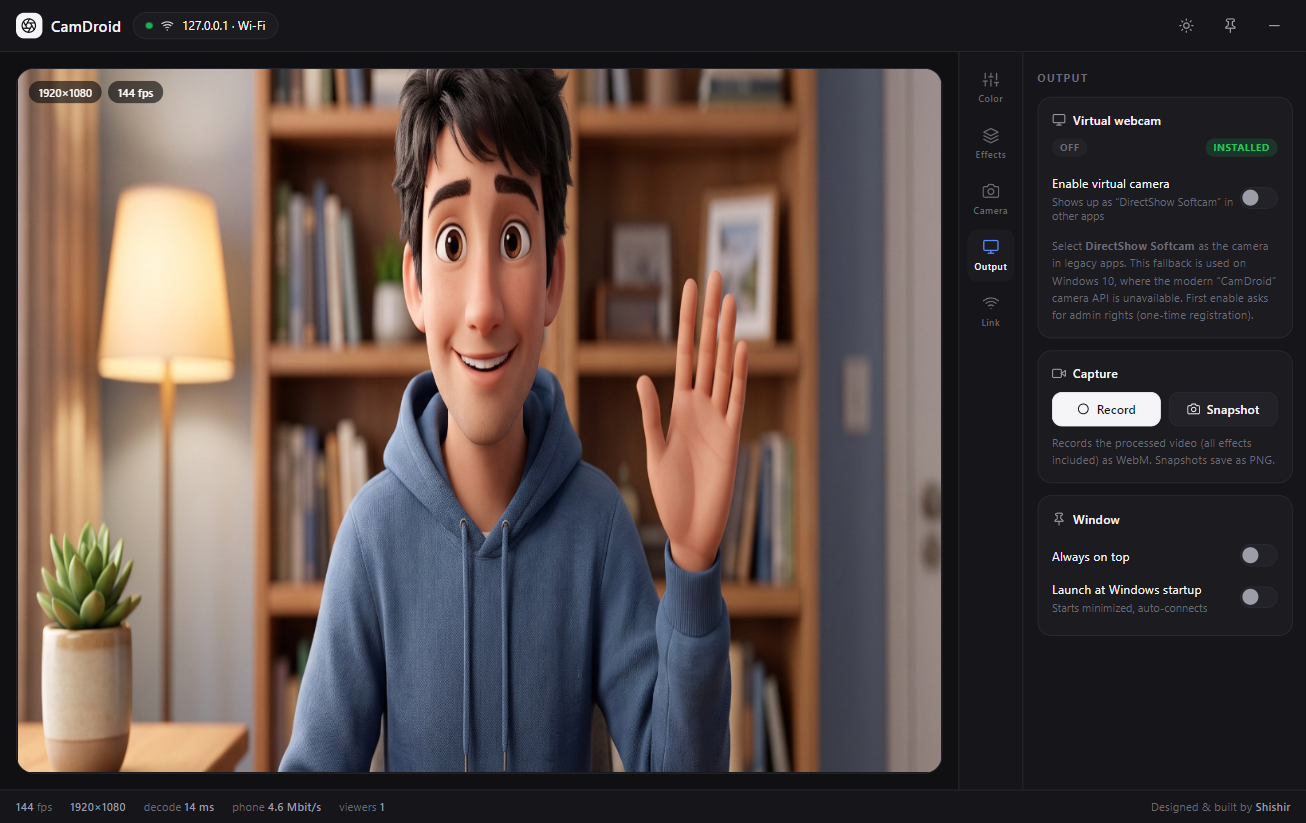
Install CamDroid on your phone and the companion app on Windows. Connect over the same Wi-Fi (auto-discovery) or a USB cable, enable the virtual camera in the Output tab, then select CamDroid as the camera in Zoom, Teams, Discord, OBS or your browser.
Is CamDroid a free DroidCam alternative?
Yes — CamDroid is a free, open-source alternative to DroidCam, Iriun Webcam, Camo and IVCam for using an Android phone as a PC webcam. No ads, no account, no paid tier; every feature is included.
Which apps work with CamDroid?
Any app that accepts a webcam: Zoom, Microsoft Teams, Discord, Skype, Google Meet, OBS Studio, Chrome, Edge, Firefox and Windows Camera. Windows 11 uses the native Media Foundation virtual-camera API; Windows 10 gets a DirectShow filter for legacy apps.
Does it work with the phone screen off or locked?
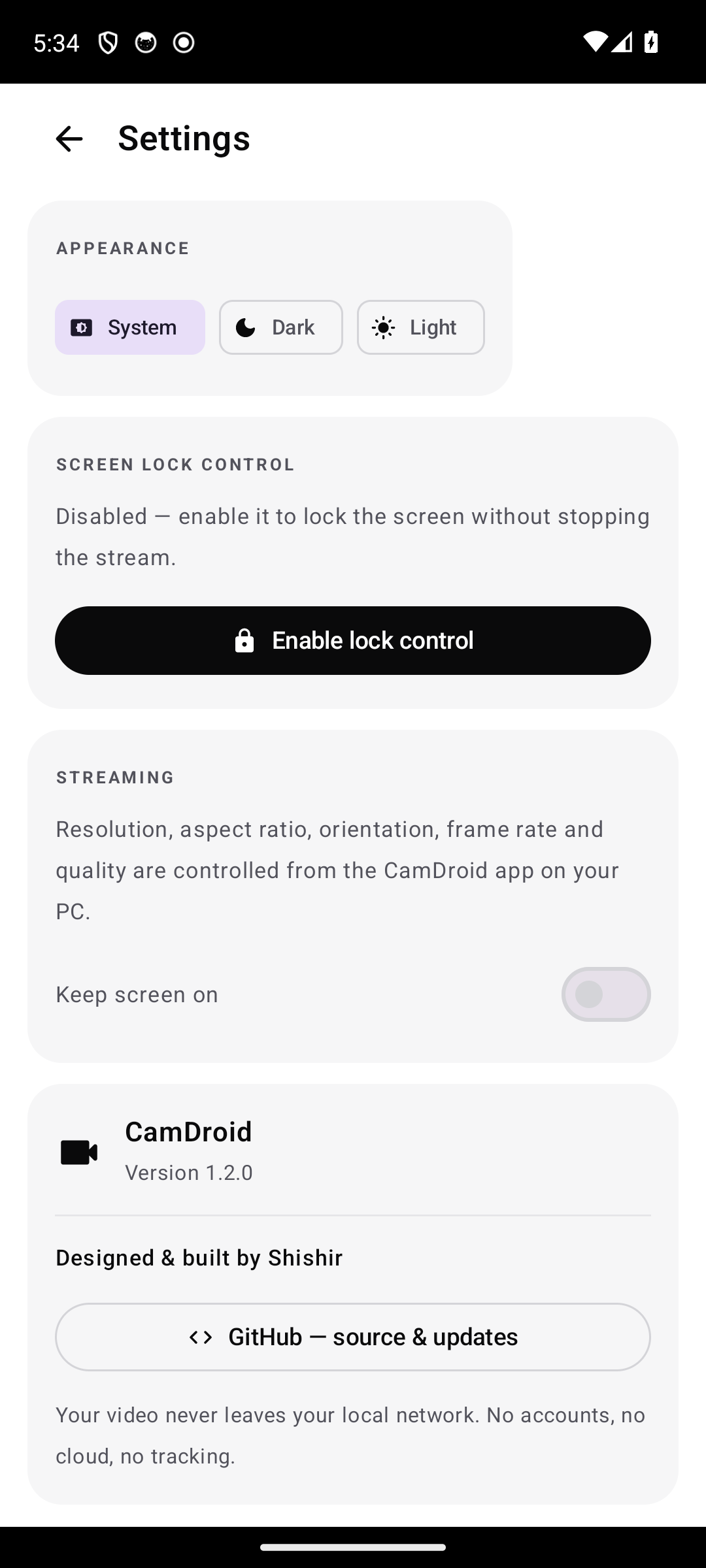
Yes. A foreground service with wake and Wi-Fi locks keeps the camera streaming, and the lock button turns the screen off for real — not a black overlay. If your phone kills background apps aggressively, exempt CamDroid from battery optimization.
Can I use my phone as a 4K webcam?
CamDroid offers SD, HD, Full HD, QHD and UHD/4K presets with 16:9 and 4:3 aspect ratios. Each preset maps to the closest resolution your phone's camera actually supports (capped at 4K), and the status always shows the real capture resolution.
How much latency should I expect?
On a good 5 GHz Wi-Fi or USB connection, typically well under 150 ms end-to-end at 720p. Minimal mode trades resolution for the lowest possible delay; Auto mode steps down when the phone heats up or battery is low.
Does CamDroid work over USB without Wi-Fi?
Yes. Enable USB debugging, plug in the cable, and the Windows app connects automatically through ADB. Wi-Fi auto-discovery and manual IP connection are also available.
Is my video private?
Everything stays on your local network or the USB cable — no accounts, no cloud, no analytics. The local stream is currently unauthenticated HTTP, so use it on networks you trust.
Why does my phone get warm, and how do I fix it?
Continuous camera + JPEG encoding is CPU-heavy. Use Minimal or Auto latency mode, lower the resolution preset, and keep the phone plugged in. Encoding automatically pauses when no viewer is connected.
Windows says the installer is unsigned — is it safe?
The installer is not code-signed yet, so SmartScreen may warn. Choose “More info → Run anyway”, and verify the SHA-256 checksum published on the release page. The full source is public on GitHub.